Shop for wireless headphones and the specification list fills with abbreviations: SBC, AAC, aptX, aptX Adaptive, LDAC, LC3. Some product pages treat the longer lists as proof of better sound. The truth is more modest and more interesting. A codec is only one link in the chain between a music file and your ears, and the two ends of the connection have to agree on it, which means the codec list on the headphones is only half of the story.
This guide explains what a codec does, how the main ones differ, why bitrate numbers overstate the audible difference, why your phone usually decides which codec you get, how latency affects video and games, what multipoint connections do, and how higher bitrates cost battery. It aims to let you ignore the marketing and choose headphones on the details that you will notice.
What a codec does
Bluetooth can carry only a limited amount of data per second, much less than a raw stereo recording needs. A codec compresses the audio before sending it and decompresses it at the headphones, discarding detail that listeners are least likely to notice. Lossy codecs, which include all those named here by default, remove information permanently, and the skill is in choosing what to remove.
Two variables describe a codec's behaviour. Bitrate is how much data is sent per second, measured in kilobits per second, and a higher figure leaves room for more detail. Efficiency is how well the codec uses that bitrate, so an efficient codec at a lower bitrate can match a less efficient one at a higher bitrate. Comparing bitrate numbers across codecs is therefore misleading, because the same figure does not give the same quality.
The codec also affects latency, the delay between the phone producing sound and you hearing it, and the stability of the connection, since a higher bitrate needs a stronger link. A codec that sounds a little better in a quiet room may drop out on a crowded commute. The best codec in practice is the one that works reliably in your situation, not the one with the biggest number.
The main codecs compared
SBC, the subband codec, is the mandatory baseline in every Bluetooth audio device. It is flexible, works everywhere and can sound good at its higher settings, though many devices use a conservative setting. Its reputation for poor sound is partly historic and partly due to implementations that choose a low bitrate. It has moderate latency and low processing demands.
AAC is the codec favoured by Apple devices, and it is also supported on many Android phones. It is efficient at moderate bitrates, and on iPhones, it is the highest quality option. Its performance on Android varies by phone and by how it is implemented. For an iPhone user, AAC support in the headphones matters most, since the iPhone does not use the other codecs described here.
The aptX family comes from Qualcomm, and covers several variants. Standard aptX offers lower latency than SBC, aptX HD supports higher resolution audio, aptX Adaptive adjusts bitrate and latency to the radio conditions, and a lossless variant exists for compatible devices. LDAC is Sony's codec, which can use a high bitrate, around 990 kilobits per second at its top setting, to carry more detail, at the cost of a robust connection. LC3 is the newer codec of Bluetooth LE Audio, designed to achieve good quality at lower bitrates and lower power use.
| Codec | Where you meet it | Notable trait |
|---|---|---|
| SBC | Every Bluetooth audio device | Universal baseline, quality depends on setting |
| AAC | iPhones, many Android phones | Efficient, the top option on iPhone |
| aptX, aptX HD, Adaptive | Many Android phones and headphones | Lower latency, adaptive bitrate in the newest |
| LDAC | Sony and many Android phones | High bitrate, needs a good connection |
| LC3 | LE Audio devices | Good quality at lower bitrate and power |
Bitrate versus the difference you can hear
Higher bitrate codecs promise higher fidelity, but the audible improvement is smaller than the numbers suggest. Under controlled listening tests, many people have trouble telling a good implementation of AAC or aptX from LDAC with typical music, especially on headphones whose own sound limits the result. Differences are easiest to hear on high quality headphones in a quiet room with high resolution recordings.
Several things limit the benefit. The source file matters: a low bitrate stream from a streaming service already discards detail, and a better codec cannot restore it. The headphones' drivers and tuning set a ceiling on quality. The listening environment, with noise from traffic or a train, masks fine detail. For many listeners on a commute, these factors dwarf the codec.
That is not to say codecs never matter. A weak SBC implementation can sound thin or harsh, and a stable aptX or AAC link is a noticeable step up. Beyond a reasonable quality level, returns shrink. Treat claims of high resolution wireless audio with caution, since no source documents that an ordinary listener can hear the difference in everyday use.
Why the phone decides the codec
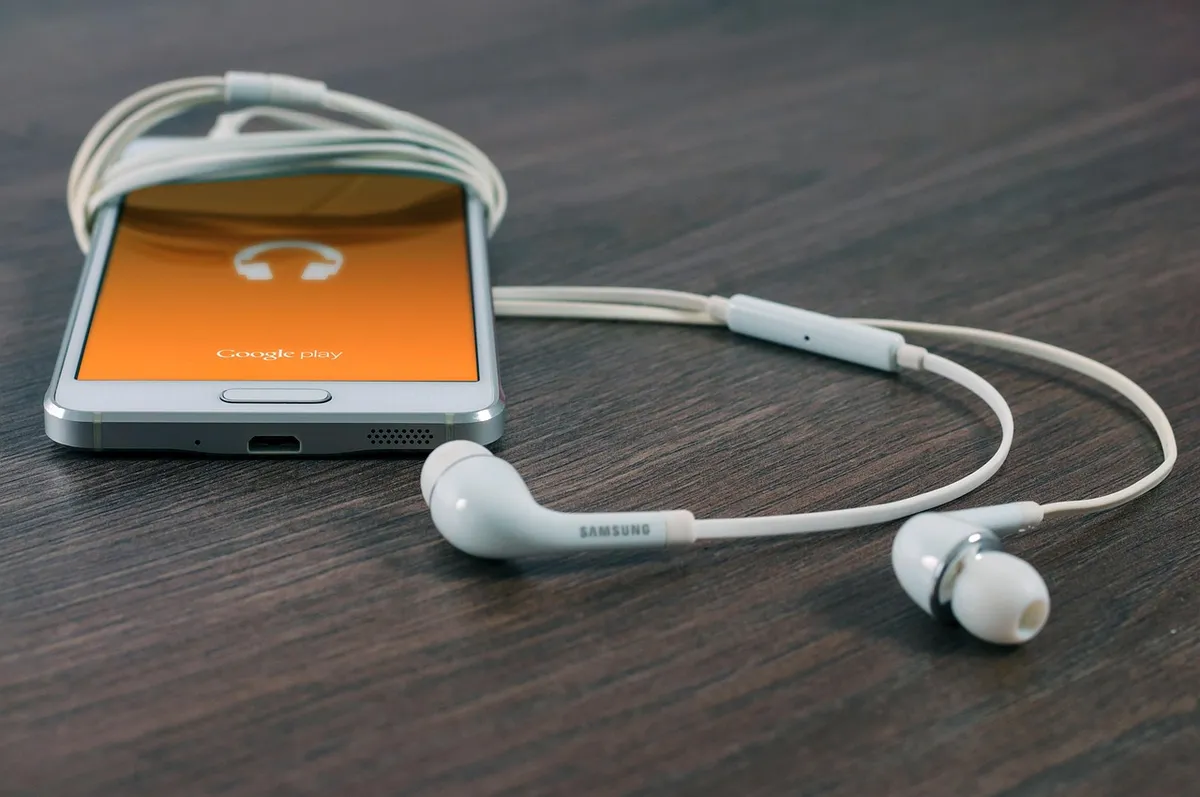
When headphones connect, the phone and headphones compare lists of supported codecs and settle on one that both have, generally the highest quality on the shared list. If the headphones support LDAC but the phone does not, the connection falls back to the next shared option, often AAC or SBC. So a long codec list on the headphones means little if the phone cannot use it.
iPhones support SBC and AAC only, so for an iPhone owner, AAC is the ceiling. An Android phone's list depends on its maker and sometimes the software version: many support SBC, AAC, aptX variants or LDAC, but not all of them. Check your phone's specifications and look for the list of supported codecs, and in the developer options on many Android phones you can see which codec is in use.
Some headphones let you pick, through an app or a setting, between quality and connection stability, for example a mode that prioritises sound quality at a higher bitrate or one that prioritises a stable link. A laptop or a TV also acts as a source with its own list, and many do not support the higher codecs at all. If you want the best result, match the headphones to the devices you use most.
Latency for video and games
Latency is the delay introduced by encoding, transmitting and decoding the audio. For music, a delay of a fraction of a second does not matter. For video, it can make dialogue lag behind lips, though most video players compensate by delaying the picture to match. For games and some apps, which cannot compensate, delay is noticeable, and it can make rhythm games and competitive games frustrating.
SBC and AAC typically have more latency than aptX or the low latency variants, though actual figures vary with the implementation and the device, and no source documents one number that applies to every product. LDAC with a high bitrate tends to add delay. If gaming or video matters to you, look for headphones that advertise low latency codecs or a game mode, and check that your phone supports them.
For a serious gaming setup, a dedicated wireless dongle with a proprietary link or a wired connection gives the lowest delay. LE Audio and LC3 aim to reduce latency in newer devices. The matter of delay is related to the display side as well: see our guide to monitor refresh rate for the visual half of responsiveness.
Multipoint, call quality and battery cost
Multipoint lets headphones stay connected to two devices at once, for example a phone and a laptop, and switch between them when one starts playing or ringing. It is convenient for working at a desk. In some headphones, multipoint limits the codec to a simpler one, since the headphones must handle two links, so check whether the higher codecs still work when multipoint is on.
Call quality is a separate matter. Calls use a different profile and a narrow band codec, which sounds much worse than music, and the codec for music does not apply. Newer standards and codecs improve call audio, but microphone quality and noise handling matter at least as much. A pair with excellent music codecs can have average call quality.
Higher bitrate codecs use more radio and processing power, which drains the headphone and phone batteries faster. The difference is usually modest at normal settings but grows at the highest bitrate, so a top quality mode may shorten playback time noticeably. Battery behaviour also depends on features such as noise cancelling, covered in how noise cancelling headphones work, so manufacturer playback times should be read with the settings in mind. For charging, see USB-C charging standards explained and power bank capacity explained.
LE Audio and LC3: what is changing
LE Audio is a newer Bluetooth audio framework, and LC3 is its mandatory codec. LC3 is designed to deliver comparable quality at lower bitrates than SBC, which saves power and leaves room for other features. It also underpins features such as broadcast audio, in which one source sends to many receivers, and improved hearing aid support.
For a buyer, LE Audio support is still uneven. Both the phone and the headphones need it, and many devices are only partly compatible. Headphones advertising LC3 may use it only in certain modes, and for ordinary music streaming, many devices still use classic Bluetooth with AAC or SBC. Check the specifications carefully and treat it as a future benefit.
The advice is to avoid paying a premium for LE Audio alone today unless you plan to keep the headphones for years, or use features that depend on it. As more phones adopt it, the benefit grows, and firmware updates can sometimes add it to existing devices. Browse the tech and electronics category for related guides.
Connection stability deserves its own mention, because it is where high bitrate codecs most often disappoint. Bluetooth shares the 2.4 GHz band with Wi-Fi, microwave ovens and many other devices, and a crowded station or a pocket on the far side of the body from the headphones weakens the link. A high bitrate stream needs a stronger link, so the codec may step down, or the audio may stutter. Some codecs adapt automatically, which is a real advantage on the move.
Where you carry the phone matters as well. A phone in a back pocket, with the body between it and the headphones, gives a weaker link than one in a front pocket or a hand. Headphones with a more modern Bluetooth version and a better antenna handle this better, which is another reason the codec list alone tells you little about daily reliability. If dropouts annoy you, try a different pocket before blaming the codec.
Streaming services add one more layer. Many services deliver compressed audio, and the phone decodes it and then re-encodes it with the Bluetooth codec, which is a second round of compression. A high bitrate codec limits this second loss, but it cannot recover detail the service already discarded. That is why a high resolution wireless claim is hard to justify with ordinary streaming, and why the gains are clearest with locally stored high quality files.
Equaliser and spatial audio features also run on the phone or in the headphones, and they can matter more to the sound than the codec. A well tuned equaliser setting that fixes a bass heavy or thin sound is a bigger audible change than moving from one codec to another. Experiment with those settings first, since they cost nothing and often solve the complaint that people blame on the codec.
Making a practical choice
Start with your phone. If you use an iPhone, look for good AAC support and ignore the other codecs. If you use an Android phone, check which codecs it supports and pick headphones that share at least one good codec, such as aptX variants or LDAC. If your phone supports only SBC and AAC, a long codec list on the headphones adds nothing.
Then consider use. For commuting and calls, a stable connection and good microphones matter more than the highest codec. For watching video, check latency. For critical listening at home, a wired connection or a high bitrate codec with good headphones gives the best chance of hearing a difference. For gaming, choose low latency.
Finally, remember that sound depends mostly on the headphones themselves: the drivers, tuning and fit. A good pair using AAC will outperform a poor pair using LDAC. Spend your effort on fit and tuning, and treat codecs as a tiebreaker, not as the main criterion.
Frequently asked questions
Does a better codec always sound better?
Not necessarily. Many listeners cannot hear a clear difference between good implementations of AAC, aptX and LDAC, especially in noisy places or with streaming sources. A stable link and good headphones matter more than the codec name.
Do I need LDAC or aptX on my iPhone?
No. iPhones support SBC and AAC only, so extra codecs on the headphones are unused. For an iPhone, check that the headphones support AAC and judge the rest on comfort, sound and battery.
Which codec has the lowest latency?
Low latency variants of aptX are designed for it, and some headphones offer a game mode. Exact figures depend on the device and no source documents one number that fits all, so check owner feedback for gaming and video.
Does a higher bitrate drain the battery faster?
Generally yes, because the radio and processor work harder. The effect is usually modest at standard settings and larger at the highest bitrate. If battery life matters, choose a standard quality mode.
Will my old headphones get LC3 through an update?
Only if the hardware supports LE Audio and the maker releases firmware. Many older devices cannot. Check the manufacturer's statement before assuming that an update will add it.
Is Bluetooth audio as good as wired?
For most listening, a good Bluetooth setup is very close. Wired connections avoid compression and latency, and give the best fidelity for critical listening. Convenience usually outweighs the small difference for everyday use.
The bottom line
Treat codecs as a compatibility question, not a quality ranking. Find out what your phone supports, and buy headphones that share a good codec with it. For iPhone users, that means AAC. For Android users, it means checking for aptX or LDAC support on the phone.
Choose by use: stability and calls for commuting, low latency for games and video, a good codec and good headphones for home listening. Expect modest audible differences, and weigh battery cost.
Spend your attention on fit, tuning and comfort. A comfortable pair with a stable, ordinary codec will give more daily pleasure than a long list of abbreviations on the box.